> ## Documentation Index
> Fetch the complete documentation index at: https://docs.bango.com/llms.txt
> Use this file to discover all available pages before exploring further.
# Quick start bundle
> Use the DVM Sandbox with Bango Music to get started with subscription bundling.
The Digital Vending Machine® Sandbox lets resellers and content providers test subscription bundling integrations before production launch.
This quick start guide walks through a Partner acting as a Reseller to [provision an offer](/entitlement-management/provision-an-offer) in Sandbox. You will create a consumer offer, verify the provisioned entitlement, and confirm the result through DVM Back Office Dashboard and Care.
This guide uses basic authentication for the walkthrough. DVM supports other authentication options, which can be agreed during onboarding.
## What you will build
In this guide, you will simulate a consumer taking a subscription offer for [**Bango Music**](/testing/bango-music) in the DVM Sandbox. This is [two-party testing](/testing/testing-overview#two-party-testing): your Reseller integration connects to DVM using a Bango test Content Provider.
The guide covers:
Retrieve the available offers from the your Offer catalog in DVM.
Create a consumer offer to simulate a reseller purchase flow.
Confirm that DVM creates a pending entitlement for the consumer.
Verify the flow using Dashboard and Care.
## Before you start
You need:
* [DVM API credentials](/getting-started/dvm-onboarding) for the Sandbox integration
* Access to [Postman](https://www.postman.com/), or another API testing tool.
* (optionally) have the DVM postman collection to get started quicker.
* DVM user access to your Partner in the Sandbox environment to [track performance](/DVM-dashboard).
Submit the sandbox access request form to begin onboarding.
Use the DVM API documentation while testing the flow.
Go to [Sandbox](/partner-management/sandbox) for more information.
## Quick start bundle use cases
The DVM Sandbox can be used to test core subscription bundling flows. This guide describes the minimum needed to build your first bundle
1. Discover your catalog of [products](/offer-management/view-products) and [offers](/offer-management/discover-offers)
2. [Provision an offer for a consumer](/entitlement-management/provision-an-offer)
3. Retrieve activation URL for consumer to activate entitlement
4. Activating the entitlement is handled by the content provider
5. [Cancel](/entitlement-management/cancel-an-offer) at the end of the billing period
6. Track performance
7. Care for consumers
DVM recommends OAuth as the authentication mechanism. This guide uses Basic Authentication purely for example and speed purposes in the sandbox.
## Step-by-step guide
In this example, the following example values are used
```text theme={null}
"baseUrl": "https://api.sandbox.bango.com"
"offerId": "ad7f0d1b-a649-40ec-b30b-201b5f381503"
"consumerIdentifier": "test-7890"
```
### View your DVM catalog of offers
Request access to the [DVM Sandbox](/getting-started/dvm-onboarding) if you have not already done so.
Import the DVM Postman collection into your workspace.
Configure the username and password environment variables for your [sandbox API credentials](/getting-started/dvm-onboarding).
Confirm the collection is pointing to the correct sandbox endpoint.
You can use another API testing tool if you do not use Postman.
Contact [support@bango.com](mailto:support@bango.com) if you wish to use the Postman collection
Use the Offer API to confirm the credentials are working and retrieve the offers available to your Partner in Sandbox.
Example request:
```http theme={null}
GET /catalogs/offers
```
Your Sandbox setup includes the [Bango Music](/testing/bango-music) product and a simple offer. In the example flow, the offer is a forever-free subscription to Bango Music Premium.
Use the response to identify the `offerId` needed for the next step.
Example response (simplified to show important information only):
```json theme={null}
{
"offerId": "ad7f0d1b-a649-40ec-b30b-201b5f381503",
"name": "Bango Music",
"products": [
{
"name": "Bango Music",
"tiers": [
{
"name": "Premium",
"productTierKey": "MUSIC"
}
]
}
]
}
```
You have achieved the outcome and discovered your catalog of [products](/offer-management/view-products) and [offers](/offer-management/discover-offers)
### Provision an offer for a consumer
When a consumer chooses an offer, the reseller sends a request to the Consumer offers API. DVM then orchestrates the downstream actions needed to create the subscription.
At a high level, DVM:
1. Accepts the consumer offer request asynchronously
2. Creates the consumer offer
3. Creates the related entitlement in a pending state
4. Sends the entitlement creation request to the content provider
5. Returns enough information for the reseller to continue the consumer journey
Go to [provision an offer](/entitlement-management/provision-an-offer) for a consumer for more details on this use case.
Use the Consumer Offers API to simulate a consumer choosing the offer.
Example request:
```http theme={null}
POST /consumerOffers
```
Example body:
```json theme={null}
{
"consumer": {
"consumerIdentifier": "test-7890"
},
"offer": {
"offerId": "ad7f0d1b-a649-40ec-b30b-201b5f381503"
},
```
A successful request returns an HTTP `202 Accepted` response. The response is again simplified for example purposes.
```json theme={null}
{
"consumerOffer": {
"consumerOfferId": "23df124e-4b7e-4113-a74c-ca04a0d6d8d6",
"offerId": "ad7f0d1b-a649-40ec-b30b-201b5f381503",
"status": "REQUESTED",
"subStatus": "PENDING_CREATES",
"timeline": {
"createRequestedTs": "2026-07-08T11:03:31.288Z"
},
"consumer": {
"consumerIdentifier": "test-7890"
}
},
"entitlements": [
{
"entitlementId": "90617b46-c126-4923-8417-0f5f7e3a733b",
"status": "REQUESTED",
"subStatus": "PENDING_CREATE",
"productKey": "MUSIC",
}
}
]
}
```
DVM has orchestrated the provision of the [entitlements](/api-reference/entitlements/the-entitlement-object) and begun the [plan lifecycle](/offer-management/plan-configuration) in the background in this single request.
You have achieved the outcome and provisioned an offer for a consumer.
### Activating the entitlement in the offer
This step also covers the outcome activating the entitlement, as this is handled by the content provider, which happens automatically with Bango Music.
Use the `consumerOfferIdentifier` from the create response to retrieve the consumer offer.
Example request:
```http theme={null}
GET /consumer-offers/23df124e-4b7e-4113-a74c-ca04a0d6d8d6/?awaitStatus=FULLY_CREATED&timeout=PT1S
```
Check that the response includes the consumer offer, the related entitlement, and activation information.
```json theme={null}
{
"consumerOfferIdentifier": "23df124e-4b7e-4113-a74c-ca04a0d6d8d6",
"consumerIdentifier": "test-7890",
"entitlements": [
{
"entitlementIdentifier": "90617b46-c126-4923-8417-0f5f7e3a733b",
"status": "PENDING",
"activationUrl": "https://music.resale.api.bango.net/activate?token="
}
]
}
```
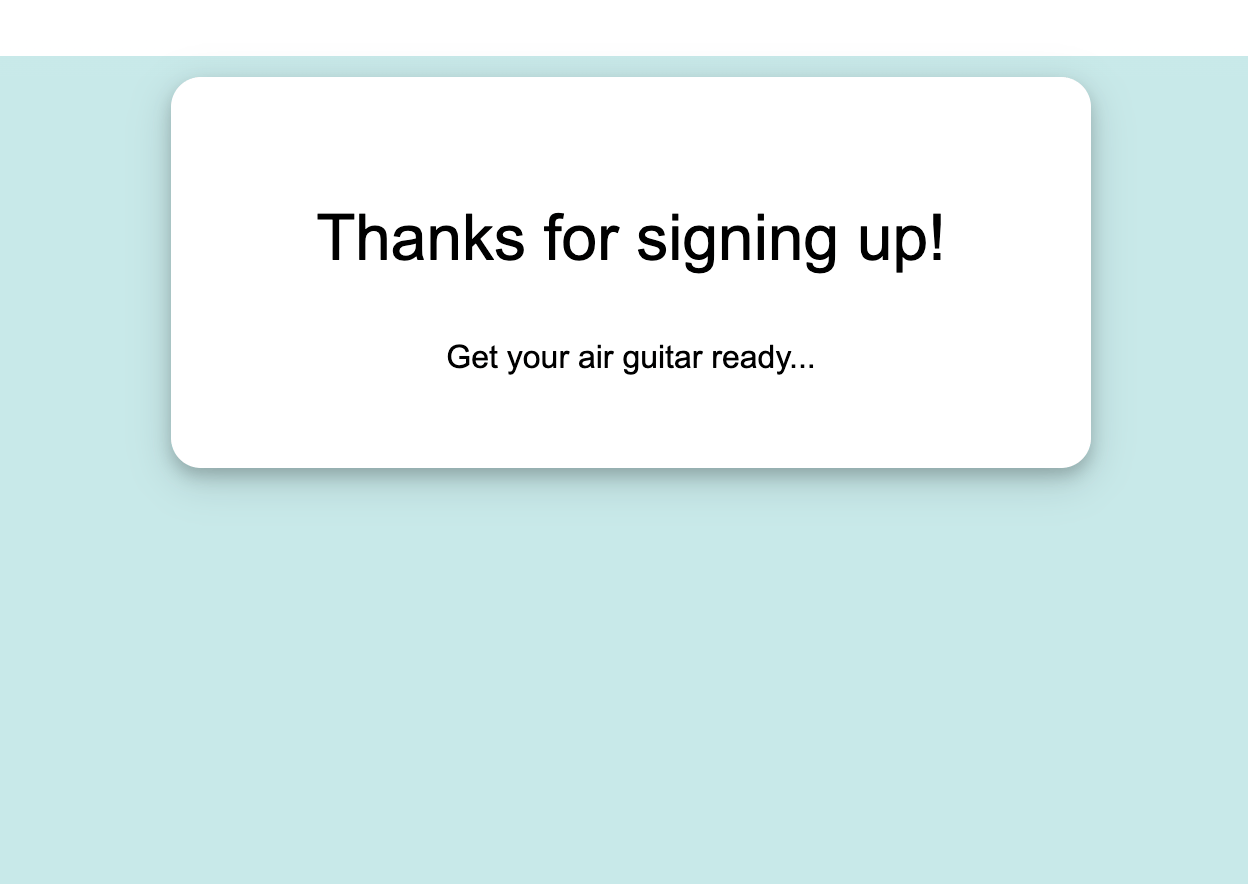
Open the activationUrl returned in checking the status the consumer offer provisioning step. This URL redirect the consumer to the content provider site to activate.
With Bango Music, there is no activation form to fill in, this step happens automatically.
 You have achieved the outcome of activating an entitlement for a consumer.
[Sign in to DVM](/track-performance/dashboard) your user credentials.
Check the Dashboard metrics and confirm that a new pending entitlement has been created.
Tracking performance in DVM provides near-real-time operational visibility. Depending on the environment, you may need to wait up to 30 minutes for the request to appear.
Already signed into DVM, open **Supporting consumers**.
Search using the `entitlementIdentifier` returned by the Consumer Offer API.
Confirm that:
* The entitlement exists
* The entitlement is linked to the expected consumer
* The entitlement is for the expected product
* The entitlement state is `ACTIVE`
Supporting consumers in DVM provides near-real-time operational visibility. Depending on the environment, you may need to wait up to 30 minutes for the request to appear.
You have achieved the outcomes of tracking the performance and resolving consumer issue.
### Cancel the consumer offer
The most common cancel scenario to support for your consumers is the end of term cancelation. This will allow your consumer to maintain access to the product or service until the end of the current period or phase (collectively known as the term).
```http theme={null}
POST /consumerOffers/23df124e-4b7e-4113-a74c-ca04a0d6d8d6/cancellation
```
Example request body:
```json theme={null}
{
"cancellationType": "END_OF_TERM",
"reasonCode": "SUBSCRIPTION_CANCELLED",
"reasonDescription": "Customer has cancelled the subscription"
}
```
Example response
```json theme={null}
{
"consumerOffer": {
"consumerOfferId": "23df124e-4b7e-4113-a74c-ca04a0d6d8d6",
"offerId": "ad7f0d1b-a649-40ec-b30b-201b5f381503",
"consumer": {
"consumerIdentifier": "test-7890"
},
"status": "FULLY_ACTIVE",
"subStatus": "PENDING_CANCELS",
"timeline": {
"plannedCancellationTs": "2026-08-09T00:00:00Z"
}
}
}
```
You have achieved the outcome of setting the consumer's entitlement to cancel at the end of the current term.
## Verification checklist
Use this checklist to confirm the outcomes are all achieved and working correctly.
| Check | Expected result |
| - | - |
| API credentials work | The DVM returns the sandbox offers |
| Offer is available | Bango Music appears in the offer response |
| Consumer offer can be created | The consumer offers API returns HTTP `202 Accepted` |
| Entitlement is created | The retrieved consumer offer includes a pending entitlement |
| Activation information is available | The response includes an `activationUrl` |
| Track performance shows activity | DVM shows the new ACTIVE entitlement |
| Support consumers can find the entitlement | DVM returns the entitlement and correct state |
| Consumer offer can be canceled | DVM returns the consumer offer as PENDING\_CANCELS |
## What happens next
You have now built your first subscription bundle and you've built the minimum needed to launch some real offers to your consumers!
Once the required flows have been tested, follow the [DVM testing path](/testing/testing-overview#move-toward-production) and complete any testing or certification activities agreed with Bango before moving toward production.
## Outcome
Using DVM Sandbox helps resellers and content providers test integration quality before launch.
The main benefits are:
Validate core flows earlier and reduce integration delays.
Catch issues before they affect consumers.
Prove the integration before moving to production traffic.
You have achieved the outcome of activating an entitlement for a consumer.
[Sign in to DVM](/track-performance/dashboard) your user credentials.
Check the Dashboard metrics and confirm that a new pending entitlement has been created.
Tracking performance in DVM provides near-real-time operational visibility. Depending on the environment, you may need to wait up to 30 minutes for the request to appear.
Already signed into DVM, open **Supporting consumers**.
Search using the `entitlementIdentifier` returned by the Consumer Offer API.
Confirm that:
* The entitlement exists
* The entitlement is linked to the expected consumer
* The entitlement is for the expected product
* The entitlement state is `ACTIVE`
Supporting consumers in DVM provides near-real-time operational visibility. Depending on the environment, you may need to wait up to 30 minutes for the request to appear.
You have achieved the outcomes of tracking the performance and resolving consumer issue.
### Cancel the consumer offer
The most common cancel scenario to support for your consumers is the end of term cancelation. This will allow your consumer to maintain access to the product or service until the end of the current period or phase (collectively known as the term).
```http theme={null}
POST /consumerOffers/23df124e-4b7e-4113-a74c-ca04a0d6d8d6/cancellation
```
Example request body:
```json theme={null}
{
"cancellationType": "END_OF_TERM",
"reasonCode": "SUBSCRIPTION_CANCELLED",
"reasonDescription": "Customer has cancelled the subscription"
}
```
Example response
```json theme={null}
{
"consumerOffer": {
"consumerOfferId": "23df124e-4b7e-4113-a74c-ca04a0d6d8d6",
"offerId": "ad7f0d1b-a649-40ec-b30b-201b5f381503",
"consumer": {
"consumerIdentifier": "test-7890"
},
"status": "FULLY_ACTIVE",
"subStatus": "PENDING_CANCELS",
"timeline": {
"plannedCancellationTs": "2026-08-09T00:00:00Z"
}
}
}
```
You have achieved the outcome of setting the consumer's entitlement to cancel at the end of the current term.
## Verification checklist
Use this checklist to confirm the outcomes are all achieved and working correctly.
| Check | Expected result |
| - | - |
| API credentials work | The DVM returns the sandbox offers |
| Offer is available | Bango Music appears in the offer response |
| Consumer offer can be created | The consumer offers API returns HTTP `202 Accepted` |
| Entitlement is created | The retrieved consumer offer includes a pending entitlement |
| Activation information is available | The response includes an `activationUrl` |
| Track performance shows activity | DVM shows the new ACTIVE entitlement |
| Support consumers can find the entitlement | DVM returns the entitlement and correct state |
| Consumer offer can be canceled | DVM returns the consumer offer as PENDING\_CANCELS |
## What happens next
You have now built your first subscription bundle and you've built the minimum needed to launch some real offers to your consumers!
Once the required flows have been tested, follow the [DVM testing path](/testing/testing-overview#move-toward-production) and complete any testing or certification activities agreed with Bango before moving toward production.
## Outcome
Using DVM Sandbox helps resellers and content providers test integration quality before launch.
The main benefits are:
Validate core flows earlier and reduce integration delays.
Catch issues before they affect consumers.
Prove the integration before moving to production traffic.