Select a Partner and environment
Care searches entitlement data for the selected Partner and environment. DVM resolves the underlying Regional Entities automatically. You do not need to select an individual Regional Entity. If you have access to more than one Partner or environment, confirm that the correct context is selected before searching.Search for entitlements
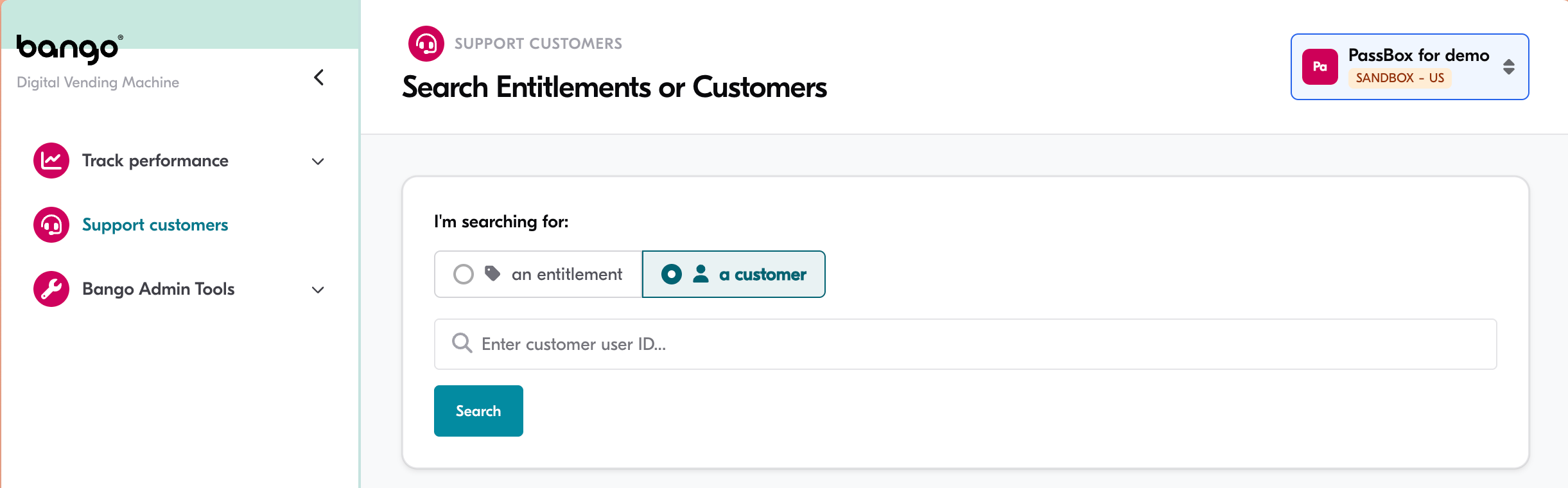
You can search using one of the following identifiers:- Customer identifier:
customerIdentifier,sharedCustomerId, orbangoUserId - Entitlement identifier:
entitlementIdorexternalEntitlementId
Review the search results
DVM Care displays the entitlement records that match your search. Select a record to view its details.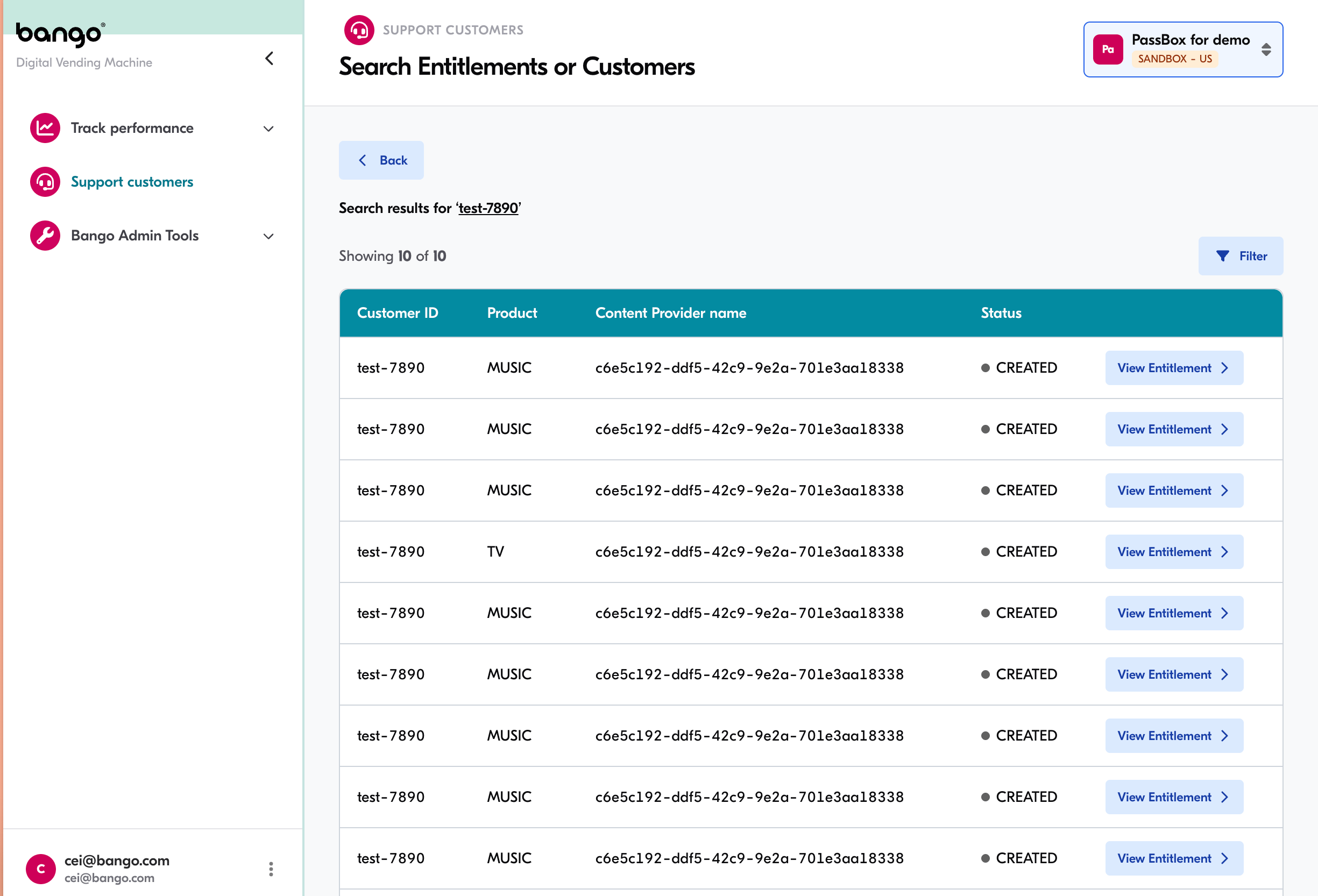
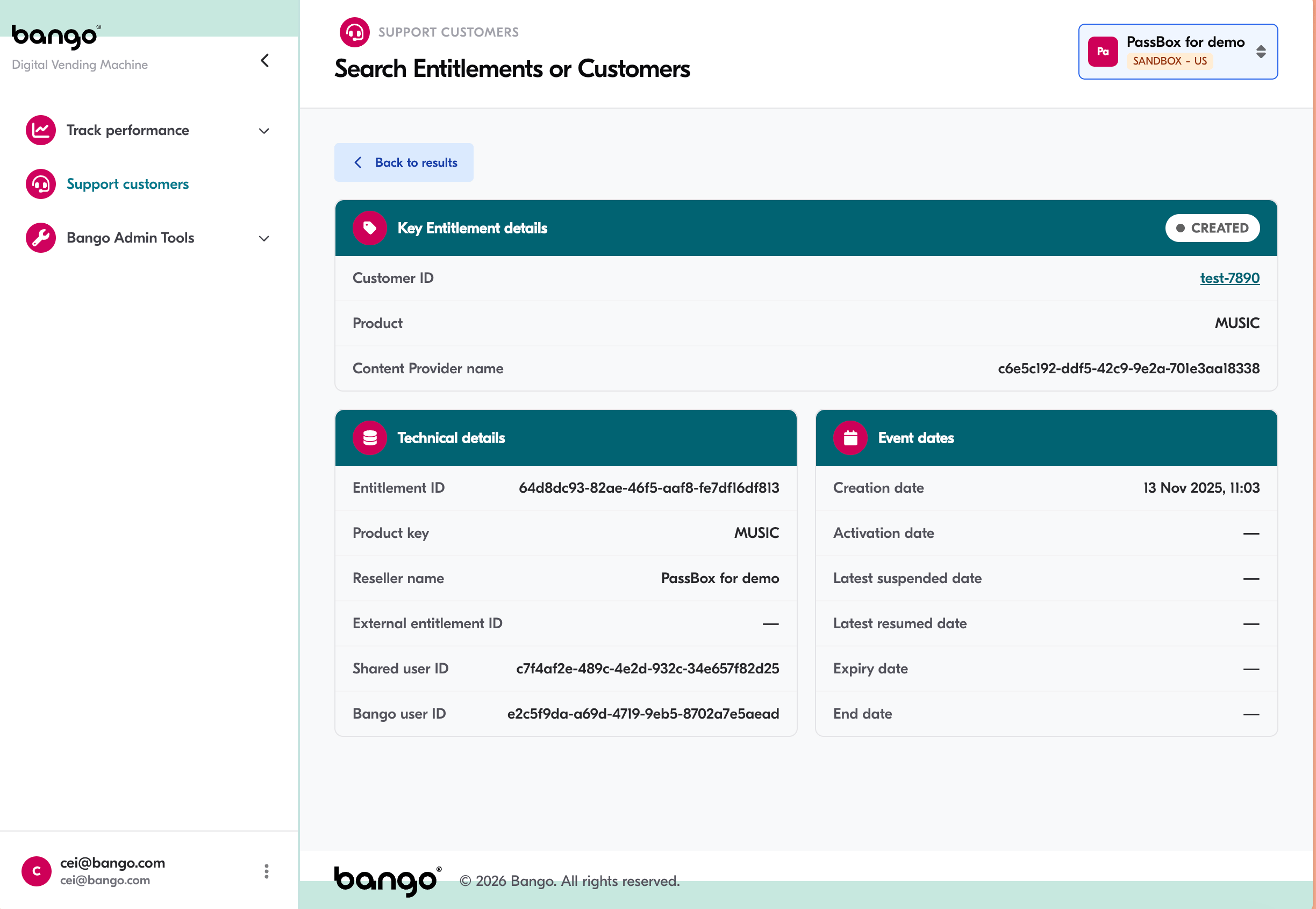
View entitlement details
Use the entitlement details to investigate the consumer’s query. The information available includes the entitlement status and relevant lifecycle dates, such as when the entitlement was created, activated, or terminated.